
Minecraftstuff.net is still under active development. Please report any bugs, ideas or suggestions using the contact form.
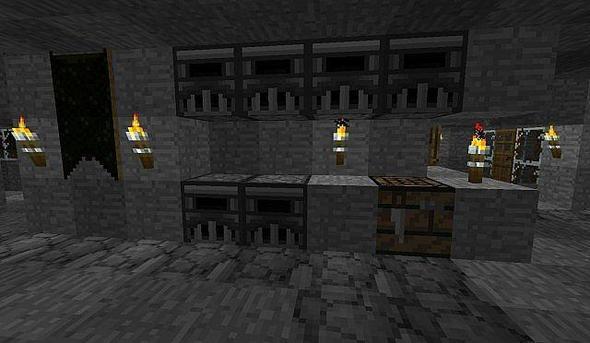
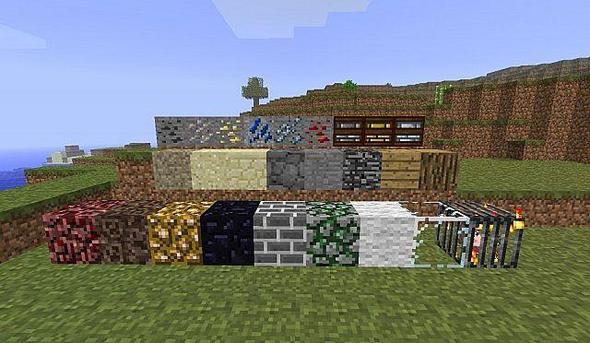
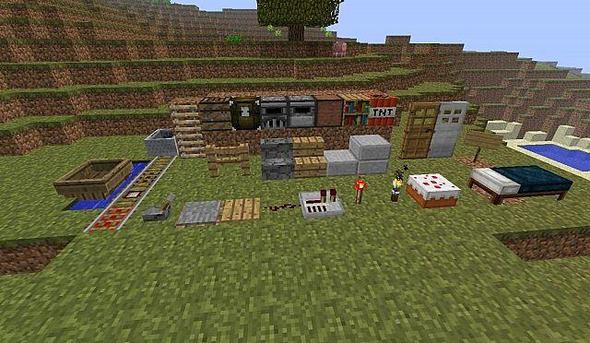
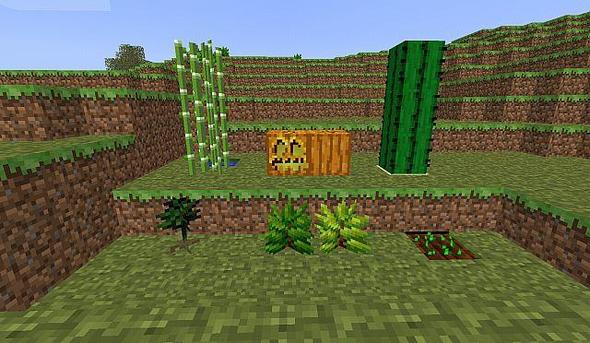
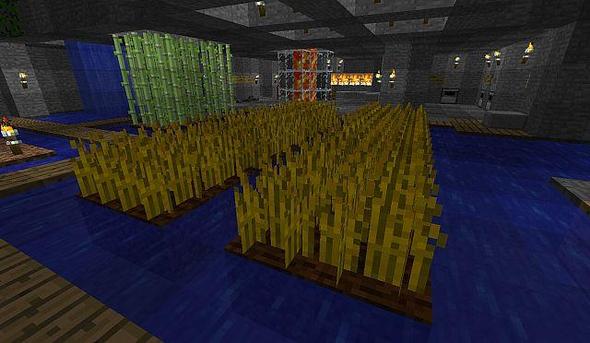
The vast majority of these textures and skins arent mine. i didnt originally intend to submit my texture but it turned out so well i figured why not. i mixed and matched a variety of things i liked into one pack so if you see a texture you made and want credit let me know and ill make sure its noted.
To install a texture pack, the file must first be obtained in a ZIP format. Without decompressing the file, place the ZIP file in:
This path can be opened by using the Open Texture Pack Folder button from the game client. Once a texture pack is installed, it can be selected in the Mods and Texture Packs screen accessible from the main menu, but not while a world is currently open.