
Minecraftstuff.net is still under active development. Please report any bugs, ideas or suggestions using the contact form.
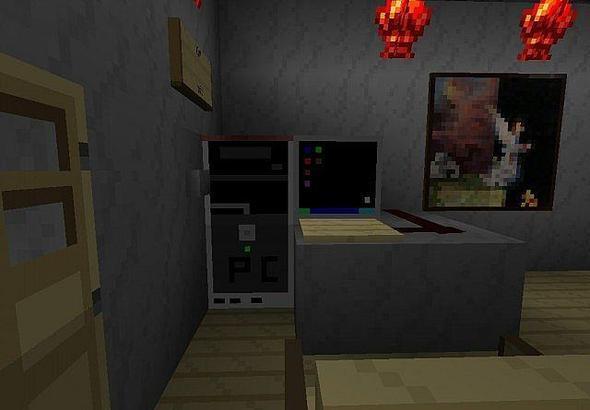
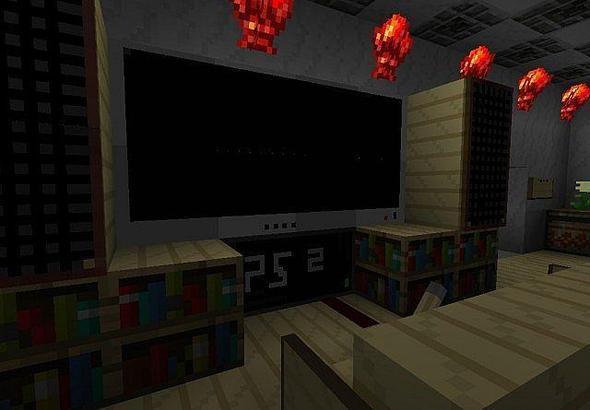
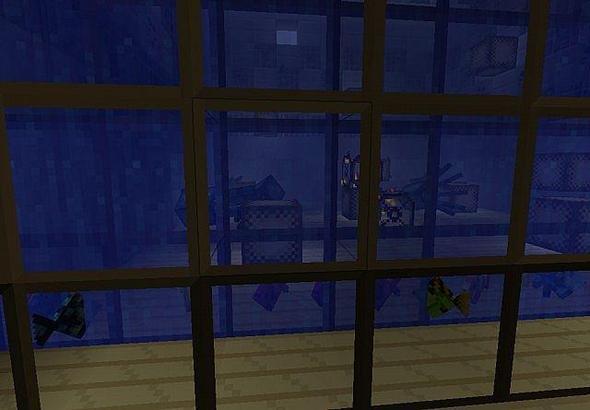
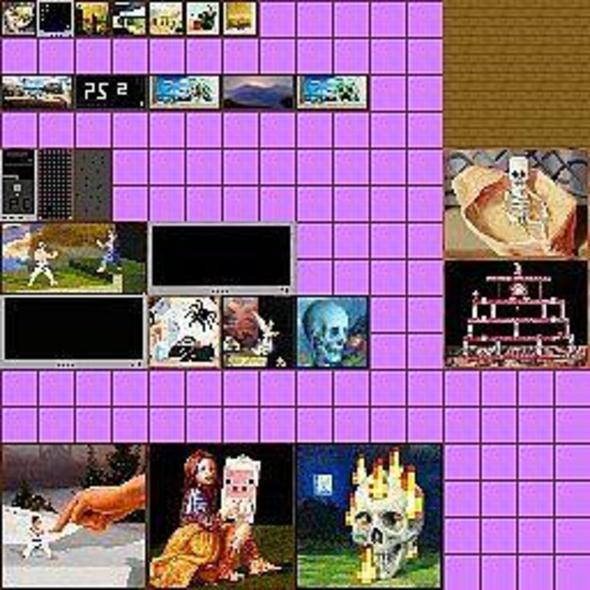
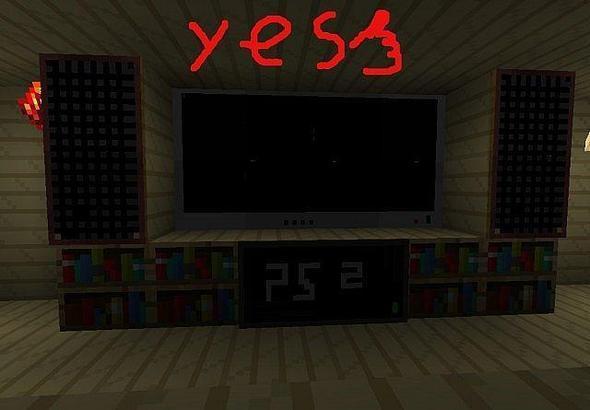
Agan I was bored and I atart to play minecraft and i wantet to make a computer.I opened the art and this is it ! :D.sorry bad eng :)
To install a texture pack, the file must first be obtained in a ZIP format. Without decompressing the file, place the ZIP file in:
This path can be opened by using the Open Texture Pack Folder button from the game client. Once a texture pack is installed, it can be selected in the Mods and Texture Packs screen accessible from the main menu, but not while a world is currently open.