
Minecraftstuff.net is still under active development. Please report any bugs, ideas or suggestions using the contact form.
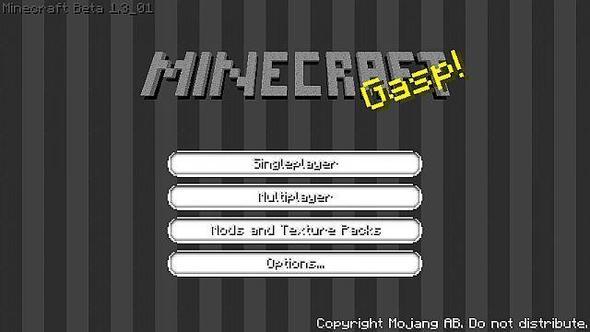
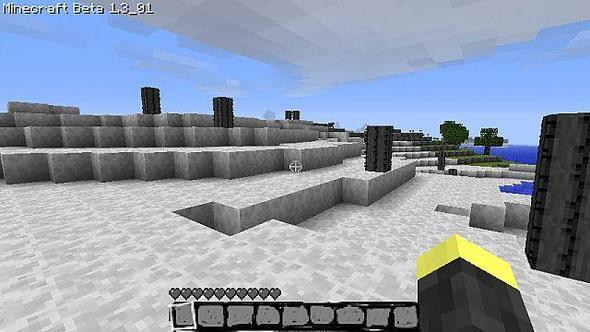
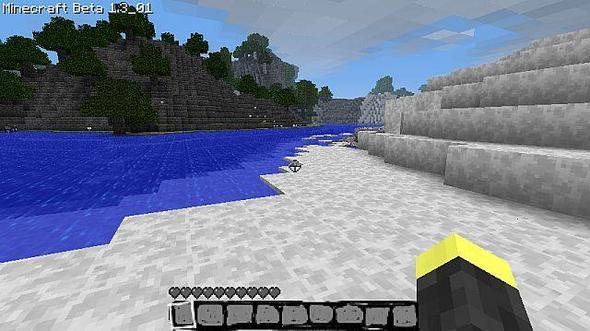
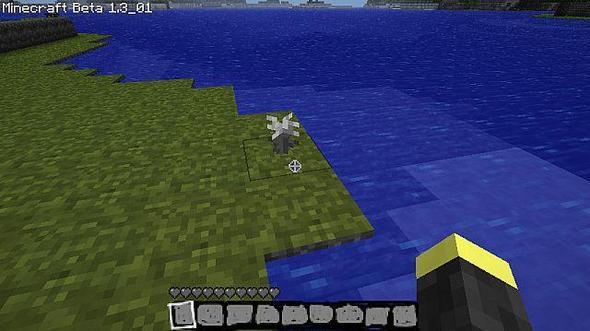
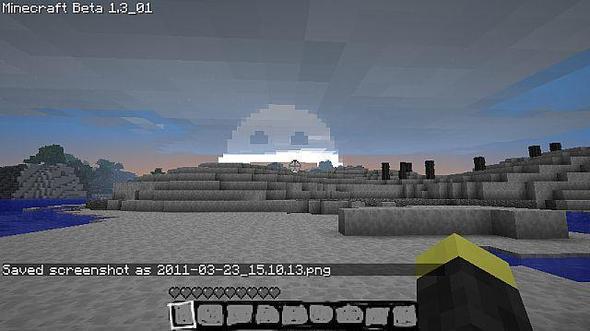
An edited version of Willy Packstill glitchy....The grass and trees is still green. And the water and sky is still blue.The grass and leaves are color-blended with the files /misc/foliagecolor.png and /misc/grasscolor.png.These can't be replaced the same way other textures can, but you can blank them out and place them directly into the Minecraft.jar.The downside to this, is any texture pack you use with biome compliant grass/leaves will then have gray grass and leaves. So make sure you back them up! :D -Thankscharliecarlo
To install a texture pack, the file must first be obtained in a ZIP format. Without decompressing the file, place the ZIP file in:
This path can be opened by using the Open Texture Pack Folder button from the game client. Once a texture pack is installed, it can be selected in the Mods and Texture Packs screen accessible from the main menu, but not while a world is currently open.