
Minecraftstuff.net is still under active development. Please report any bugs, ideas or suggestions using the contact form.
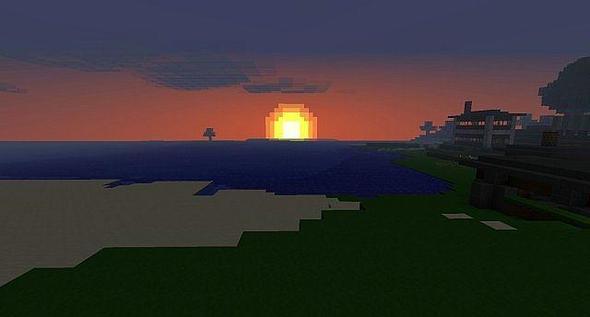


Backstory: Dadcraft is a texture pack that I made because I like customizing my Minecraft world. It turned into something that I thought was good enough to share with the Minecraft Community. Here it is. I will keep updating it to match the Minecraft version, and I might keep editing the actual textures. Feel free to give me advice. Announcements: Yay! 200 downloads!
To install a texture pack, the file must first be obtained in a ZIP format. Without decompressing the file, place the ZIP file in:
This path can be opened by using the Open Texture Pack Folder button from the game client. Once a texture pack is installed, it can be selected in the Mods and Texture Packs screen accessible from the main menu, but not while a world is currently open.