
Minecraftstuff.net is still under active development. Please report any bugs, ideas or suggestions using the contact form.
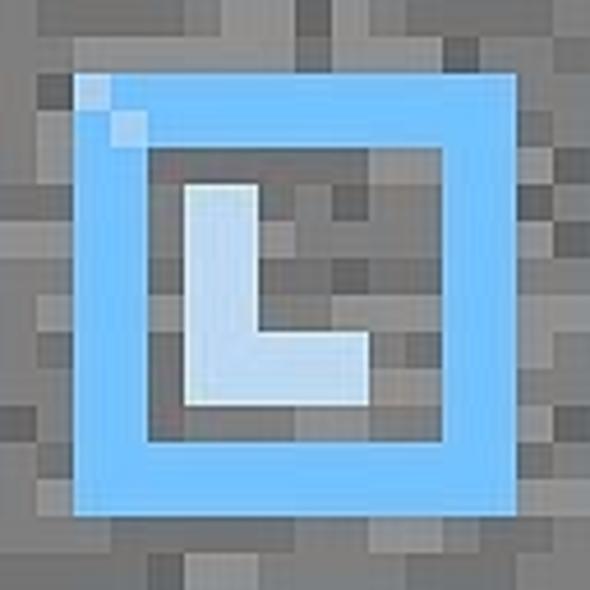


DWOL Texturepack release notes Intro hej, i love the original minecraft textures, but did you ever feel you might miss that iron ore node in your underground mine when you're digging? exactly. this is why i replaced the ore block textures with something easy to spot. i am not very experienced with this whole texture stuff, so don't be too harsh on me :P i love getting feedback though! all textures by me, nothing stolen (so far :P) Features - all ore blocks have letters on them, representing the first letter of the corresponding ore. using the native ore colors - gravel with blue-ish tint - clearer glass Rating - if you vote down, please leave a comment why, so i can improve! --- yinas PS: screens to come maybe ;)
To install a texture pack, the file must first be obtained in a ZIP format. Without decompressing the file, place the ZIP file in:
This path can be opened by using the Open Texture Pack Folder button from the game client. Once a texture pack is installed, it can be selected in the Mods and Texture Packs screen accessible from the main menu, but not while a world is currently open.