
Minecraftstuff.net is still under active development. Please report any bugs, ideas or suggestions using the contact form.
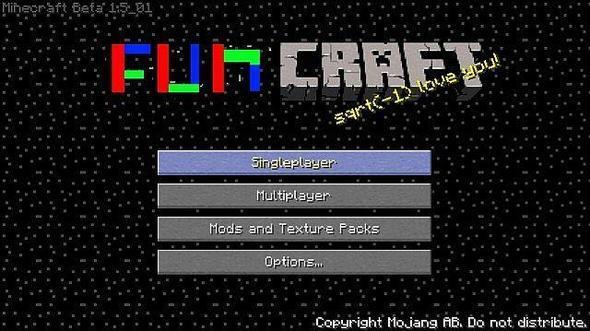
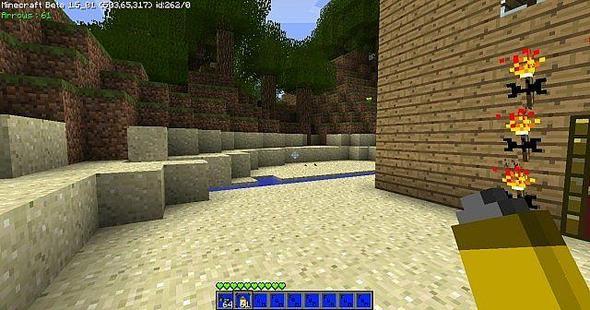
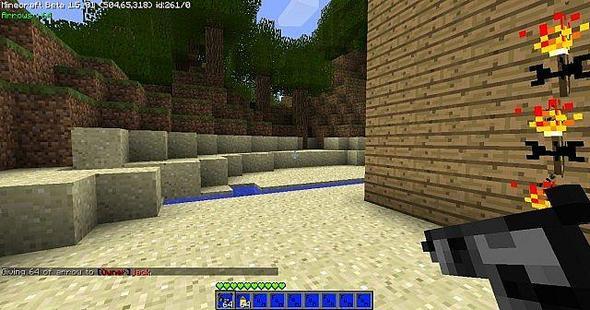
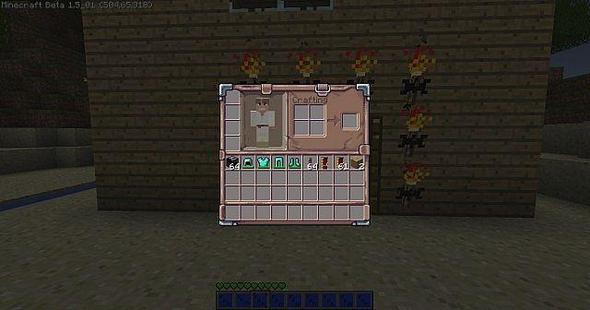
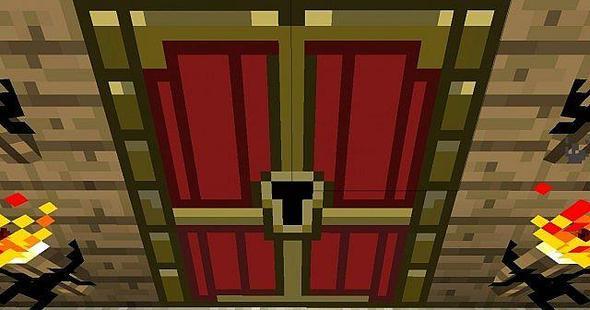
I'm hoping soon i can have some more ideas for the terrain and I'm still trying to figure out all the parts for the armor and items if any of you can help me please comment X) umm I'm going to disney land for 5 days and 4 nights so ill be working on it as much as i can and then as i don't have internet in the hotel i wont be able to update but i will when i get back X) man my sis is excited about disney land XD okay guys enjoy of what Ive made so far if you notice any errors please comment ^_^
To install a texture pack, the file must first be obtained in a ZIP format. Without decompressing the file, place the ZIP file in:
This path can be opened by using the Open Texture Pack Folder button from the game client. Once a texture pack is installed, it can be selected in the Mods and Texture Packs screen accessible from the main menu, but not while a world is currently open.