
Minecraftstuff.net is still under active development. Please report any bugs, ideas or suggestions using the contact form.
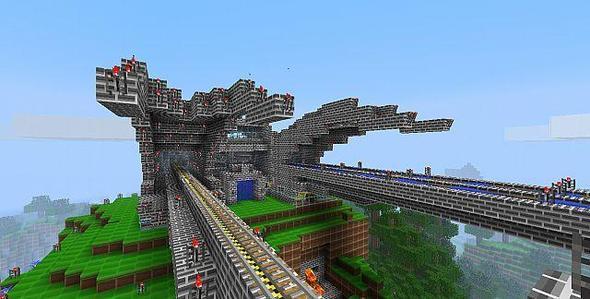
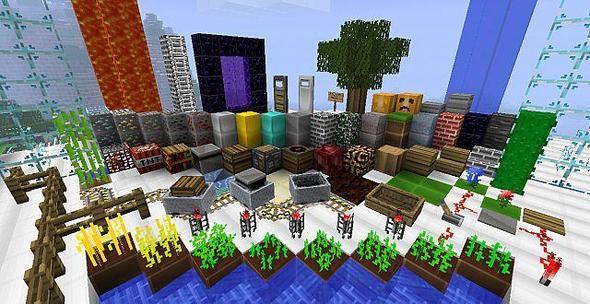
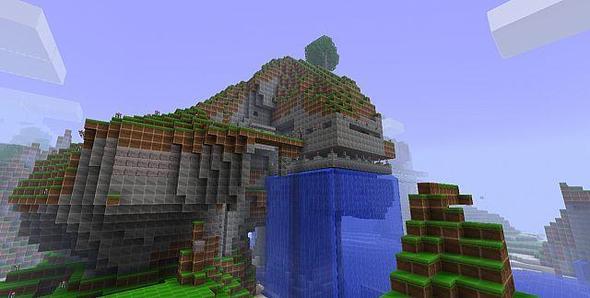
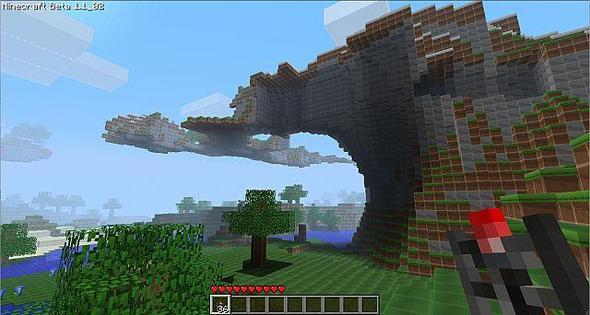
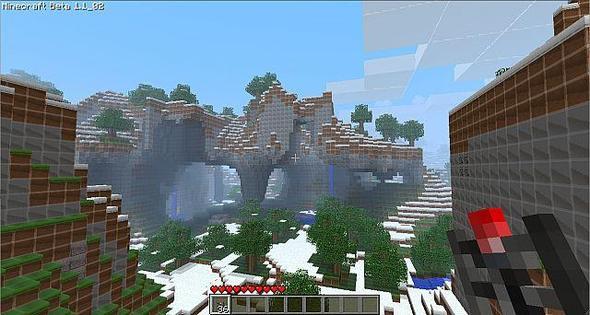
I wanted to create something other than just the new display picture or forum signature. This urge to create something was the initial step for me to create this 'Glossy' themed texture pack for this awesome game.This pack is shiny, smooth, clean and glossy. The Minecraft you know and love but shiny! Subtle gradients, lush colours and uniformed look.Suggestions and feedback will be greatly appreciated.Items, GUI and Mod re-skinning planned! Also possible Minecraft Advanced Mod Support!
To install a texture pack, the file must first be obtained in a ZIP format. Without decompressing the file, place the ZIP file in:
This path can be opened by using the Open Texture Pack Folder button from the game client. Once a texture pack is installed, it can be selected in the Mods and Texture Packs screen accessible from the main menu, but not while a world is currently open.