
Minecraftstuff.net is still under active development. Please report any bugs, ideas or suggestions using the contact form.
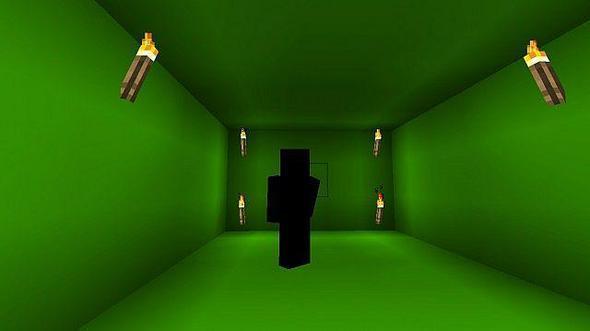
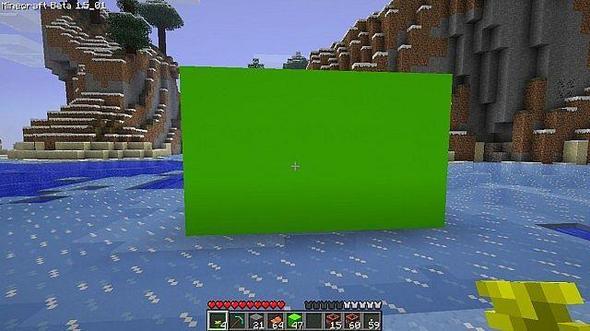
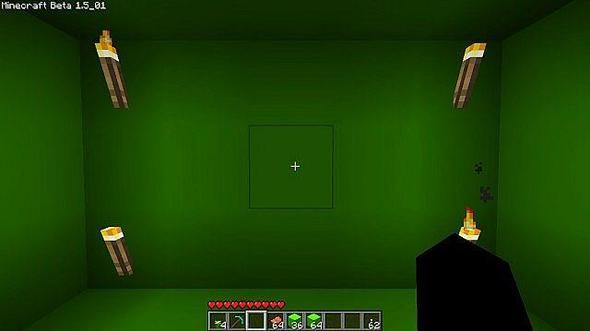
I was thinking today, what do u do if u want to do a Photoshop picture of ur character or your friends character, so u can edit the background and i came up with the idea tio make Cobble Stone plain green so u could cut out the background in image, F2 to capture screen shot on Minecraft. F5 to go to 3rd person view. F1 to remove all HUB from screen
To install a texture pack, the file must first be obtained in a ZIP format. Without decompressing the file, place the ZIP file in:
This path can be opened by using the Open Texture Pack Folder button from the game client. Once a texture pack is installed, it can be selected in the Mods and Texture Packs screen accessible from the main menu, but not while a world is currently open.