
Minecraftstuff.net is still under active development. Please report any bugs, ideas or suggestions using the contact form.
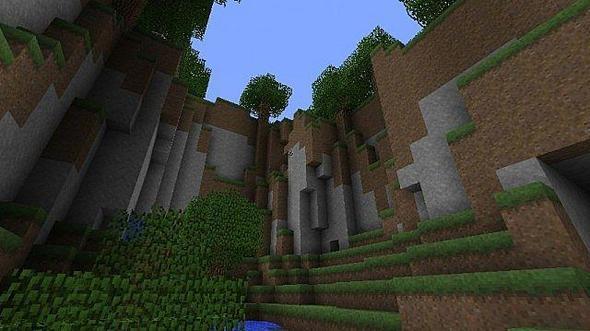
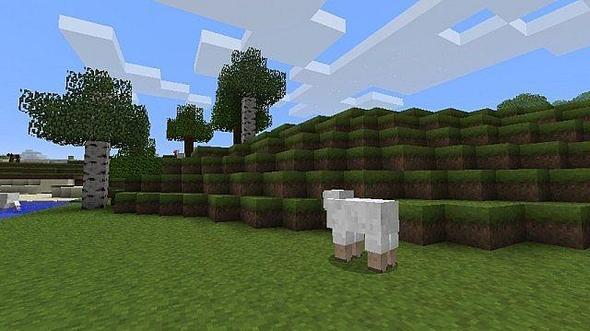
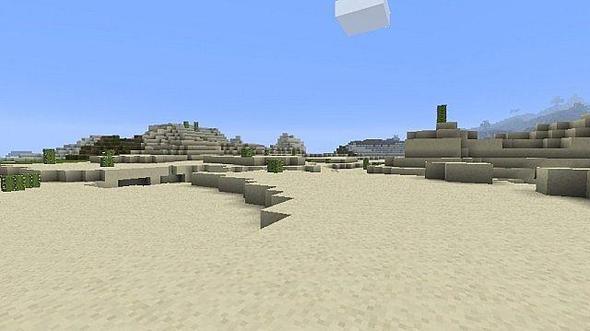
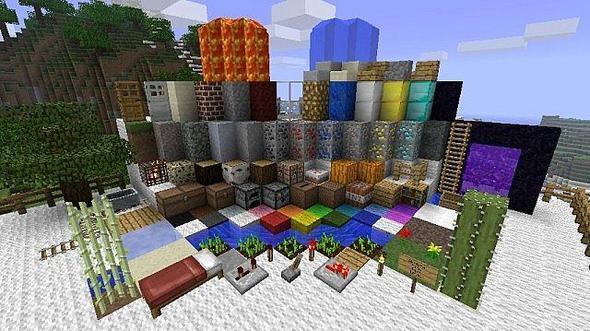
After looking through a bunch of texture packs that I couldn't completely take to, I decided to try my hand at making my own. Rather than going to an entirely new theme, I wanted to try and improve on the feel Minecraft's default textures. After about a few hours of work, I think I found a decent balance between the original theme and a softer, more realistic feel. Many of the textures are based off photos found on the internet, while some others are direct edits of the Minecraft default textures.
To install a texture pack, the file must first be obtained in a ZIP format. Without decompressing the file, place the ZIP file in:
This path can be opened by using the Open Texture Pack Folder button from the game client. Once a texture pack is installed, it can be selected in the Mods and Texture Packs screen accessible from the main menu, but not while a world is currently open.