
Minecraftstuff.net is still under active development. Please report any bugs, ideas or suggestions using the contact form.
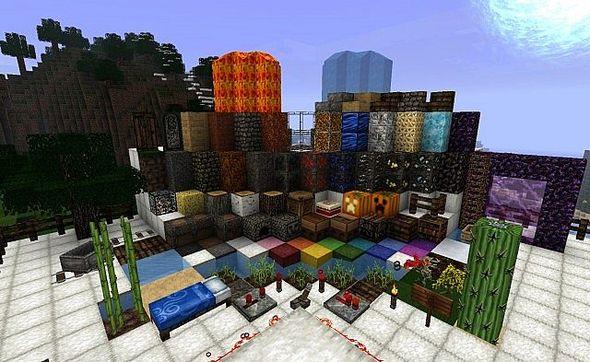
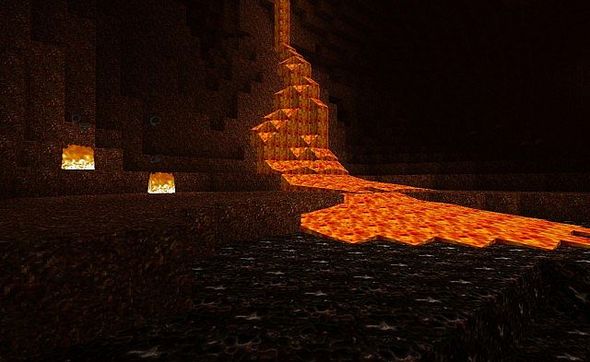
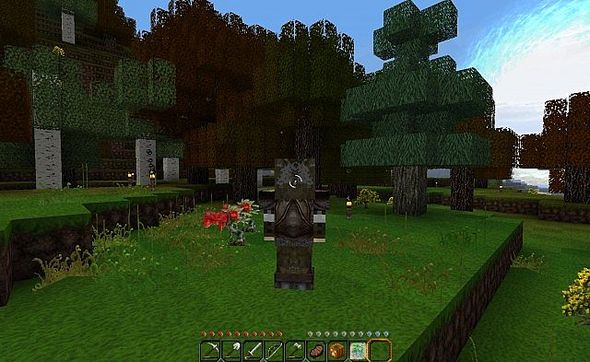
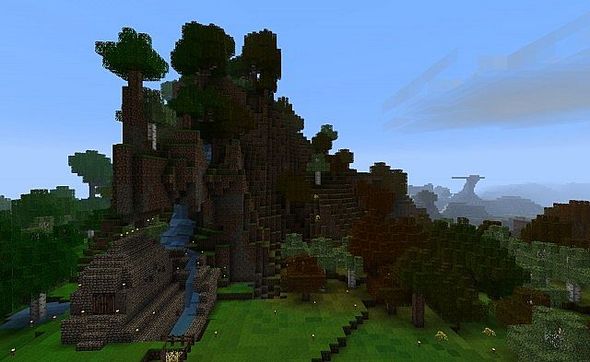
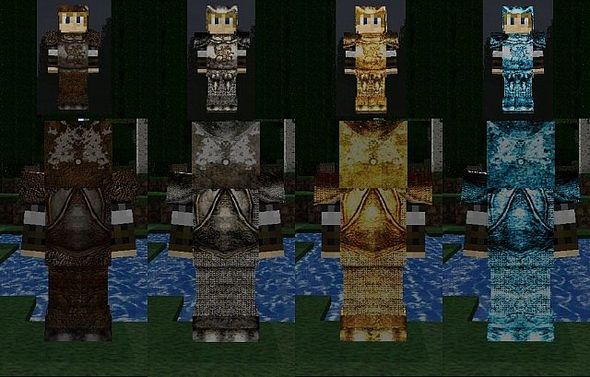
Armor has been completed and tallgrass/shrubs were changed to not get confused with wildgrass.
My texture pack started off as a cut and paste of a few texture packs, with Ovo's Rustic being the basis for everything. I realized that the more I edited everything, the less it was becoming just a cut and paste, personal remix texture pack.
I started to design a few things in the way I wanted them while still trying to hold true to Ovo's style. I recommend you check out his texture pack as well!
I got the lava, water, portal and particle animations from Grugsy. Mobs are from Emperor Doom v3.0 Block animation is from Gestankfaust I've been granted permission to use anything that has been unmodified from the amazing artists above.
To install a texture pack, the file must first be obtained in a ZIP format. Without decompressing the file, place the ZIP file in:
This path can be opened by using the Open Texture Pack Folder button from the game client. Once a texture pack is installed, it can be selected in the Mods and Texture Packs screen accessible from the main menu, but not while a world is currently open.