
Minecraftstuff.net is still under active development. Please report any bugs, ideas or suggestions using the contact form.
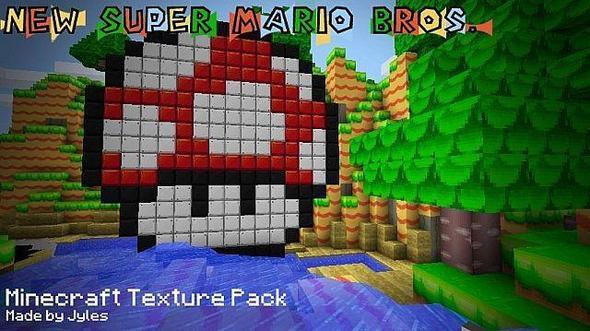
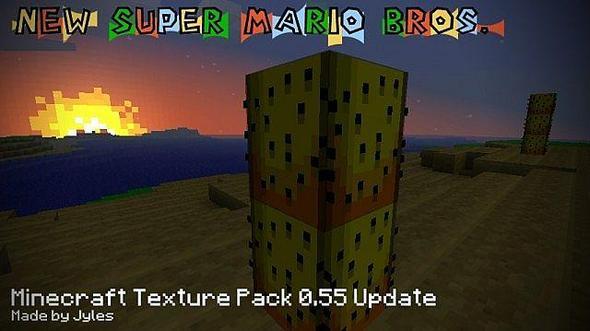
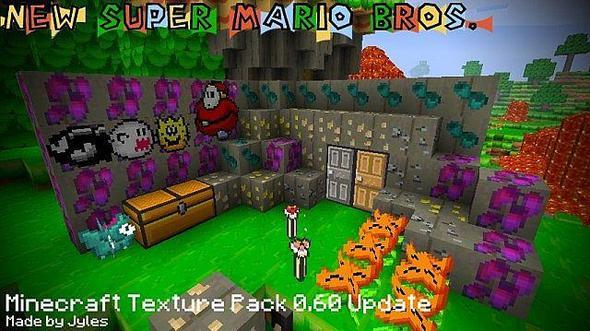
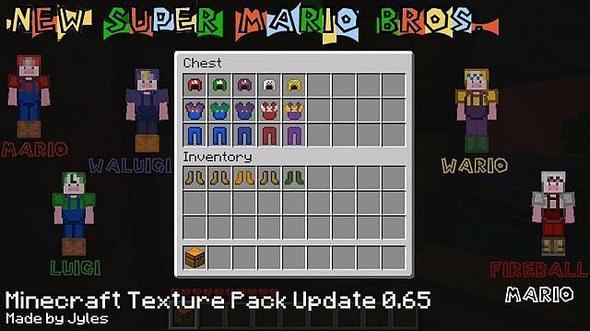
HELLO! I am really excited! As i am about to release the first part of my first ever Texture Pack! I have decided to make this based on the New Super Mario Bros. game and i am about to share the first version with you!I have spent the last few days working on this and I think it is ready to be shown to the world. Although its not quite finished, not everything that I wanted to be edited in V1 has been edited. So I am saying that it is half finished as I still have a lot of things to do, but really there very small and almost unnoticeable changes.Be sure to check out my blog!
To install a texture pack, the file must first be obtained in a ZIP format. Without decompressing the file, place the ZIP file in:
This path can be opened by using the Open Texture Pack Folder button from the game client. Once a texture pack is installed, it can be selected in the Mods and Texture Packs screen accessible from the main menu, but not while a world is currently open.