
Minecraftstuff.net is still under active development. Please report any bugs, ideas or suggestions using the contact form.
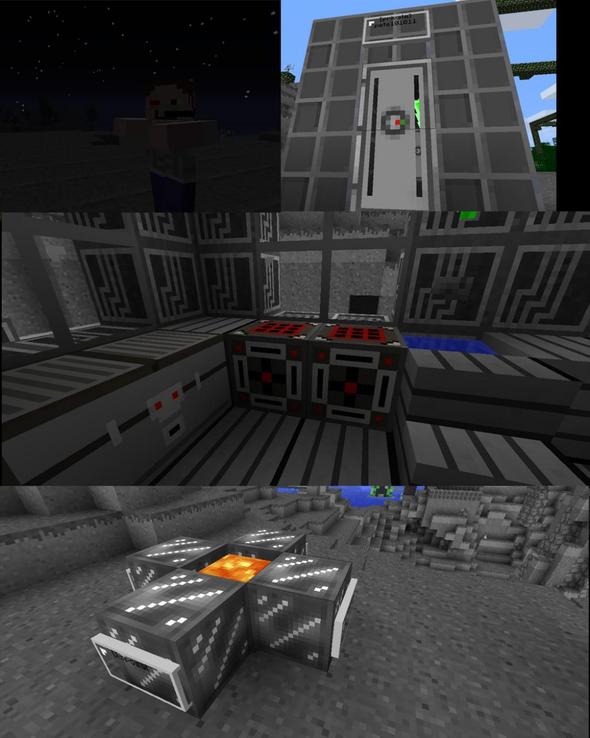
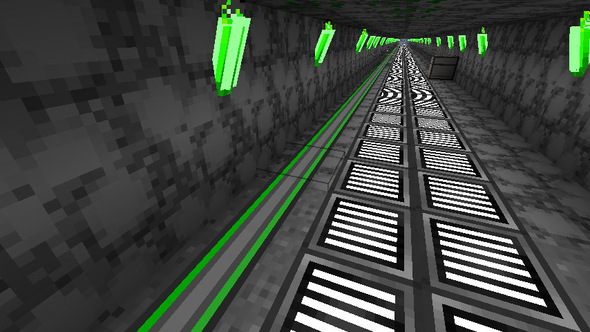
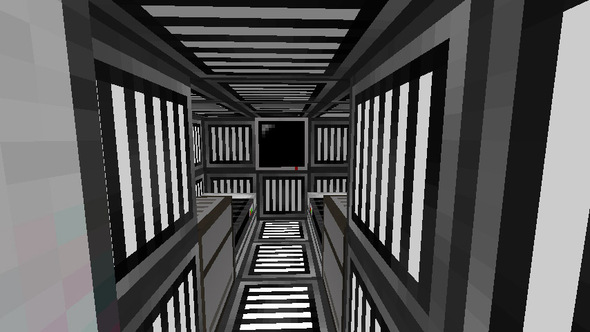
A space-inspired adventure pack!Features:- Rogue Scientist(Zombie)- Infected Astronaut(Skeleton)- Space Worm (Spider)- Moon Creeper- Modified animals.- Futuristic building textures!- Authentic airlock doors!- Space helmets! (pumpkins)- Glowsticks (torches)- Laser weapons! (bow + arrow)-Modifieddiamond tools.- Space minecart and tracks!- Astro food![Installation]Move the .zip folder to /.minecraft/texturepacks/Developers:pete101011 and dusty101011Sponsoredby Orange GamingEnjoy![Updates]6/8/11 - Added more pictures
To install a texture pack, the file must first be obtained in a ZIP format. Without decompressing the file, place the ZIP file in:
This path can be opened by using the Open Texture Pack Folder button from the game client. Once a texture pack is installed, it can be selected in the Mods and Texture Packs screen accessible from the main menu, but not while a world is currently open.