
Minecraftstuff.net is still under active development. Please report any bugs, ideas or suggestions using the contact form.
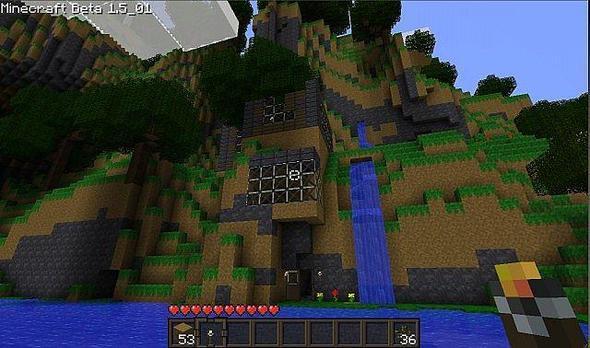
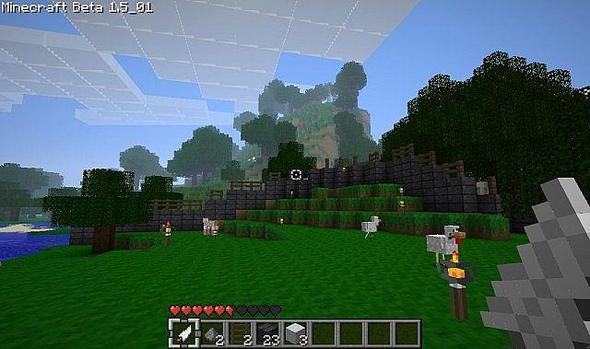
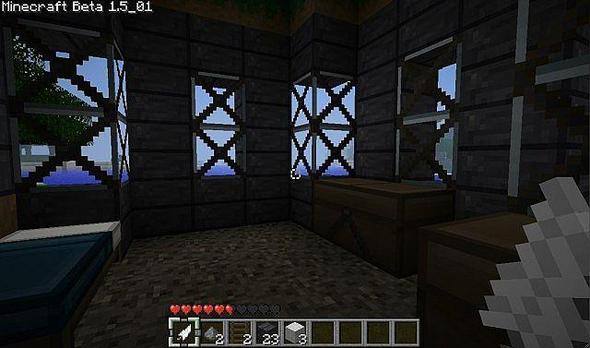
So.. i just started on my second texture pack and decided I'd put it up to see what others think cuz i know it needs work so if you have anything to say (preferably a suggestion) just leave it in a comment and ill take it into consideration, i do plan on editing everything UPDATE: so i just haven't been updating like i should and im sorry but i've gotten a good chunk of it done and now I think I can see the finish line.
To install a texture pack, the file must first be obtained in a ZIP format. Without decompressing the file, place the ZIP file in:
This path can be opened by using the Open Texture Pack Folder button from the game client. Once a texture pack is installed, it can be selected in the Mods and Texture Packs screen accessible from the main menu, but not while a world is currently open.