
Minecraftstuff.net is still under active development. Please report any bugs, ideas or suggestions using the contact form.
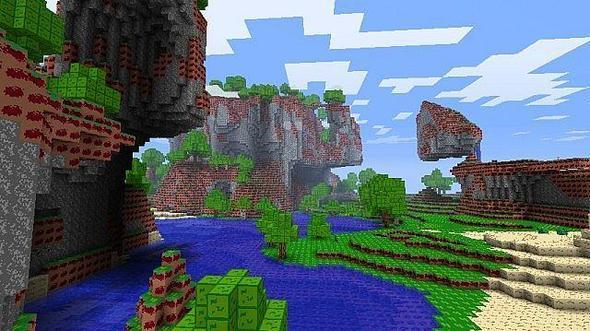
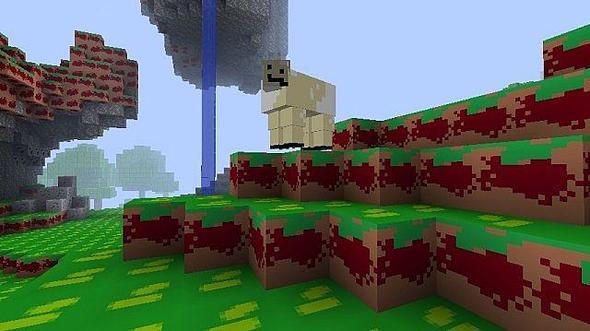
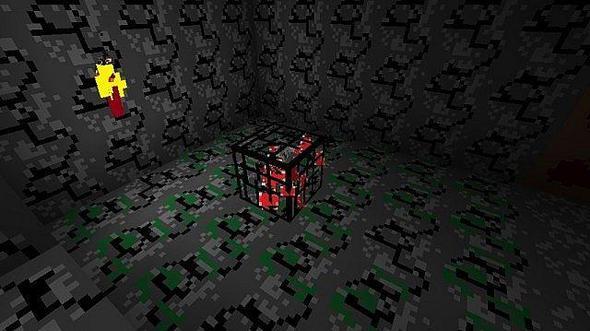
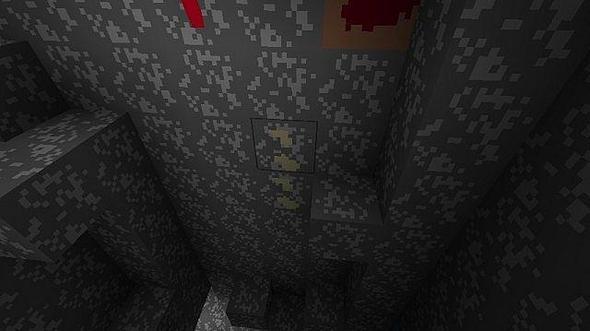
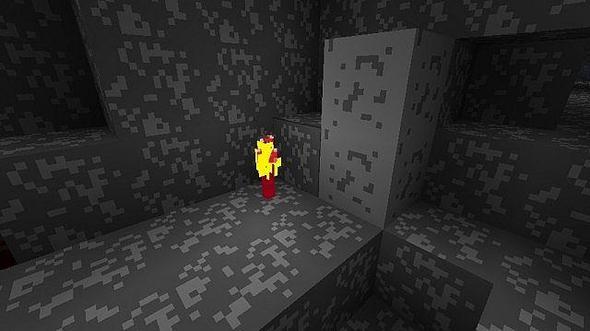
Tired of minecraft's incredibly good graphics? Don't you wish it was drawn by a four year old using a trackpad? If you answered "yes" to either of those questions, I am pleased to bring you Microsoft Paintcraft.
Travel back to the year 2002. Photoshop was just an inkling, and Paint.NET was two years away. What were our ancestors supposed to use for image editing? Why, the program on your computer, of course! MSPaintcraft features incredibly...interesting...yeah...graphics and a dazzling array of over FIFTEEN colors! It also features the state-of-the-art "Airbrush" tool, as every image made in MS Paint does. What are you waiting for? Download it NOW!
To install a texture pack, the file must first be obtained in a ZIP format. Without decompressing the file, place the ZIP file in:
This path can be opened by using the Open Texture Pack Folder button from the game client. Once a texture pack is installed, it can be selected in the Mods and Texture Packs screen accessible from the main menu, but not while a world is currently open.