
Minecraftstuff.net is still under active development. Please report any bugs, ideas or suggestions using the contact form.
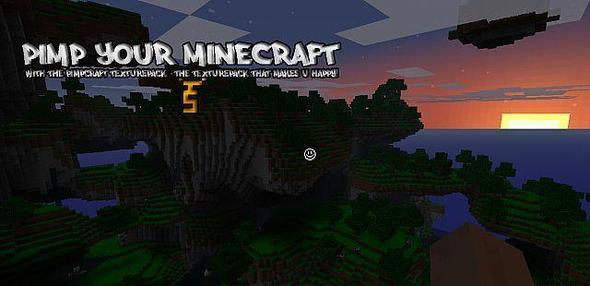
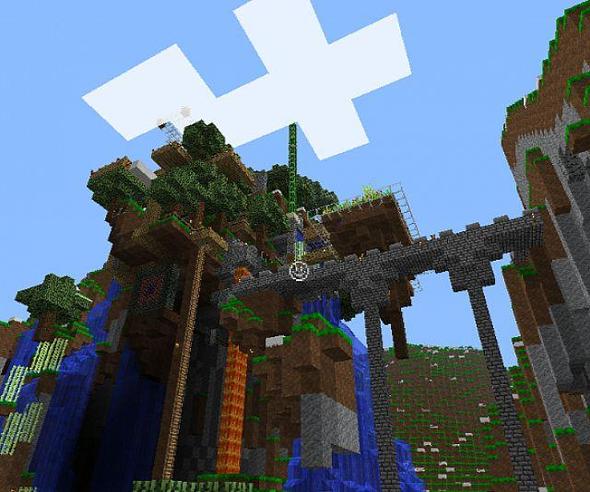
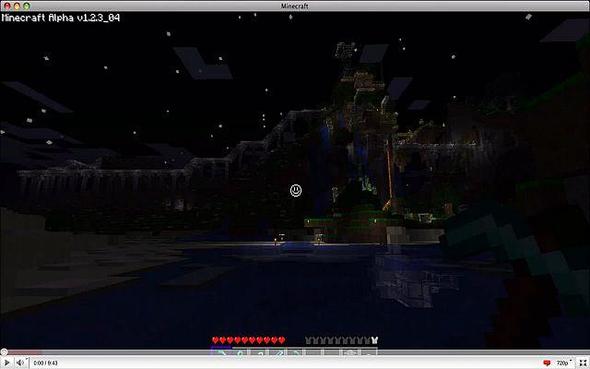
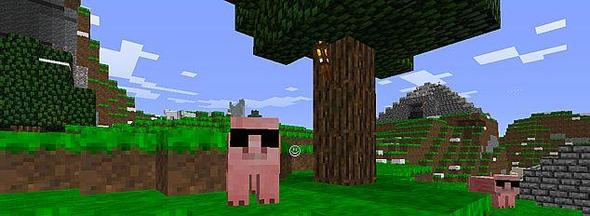
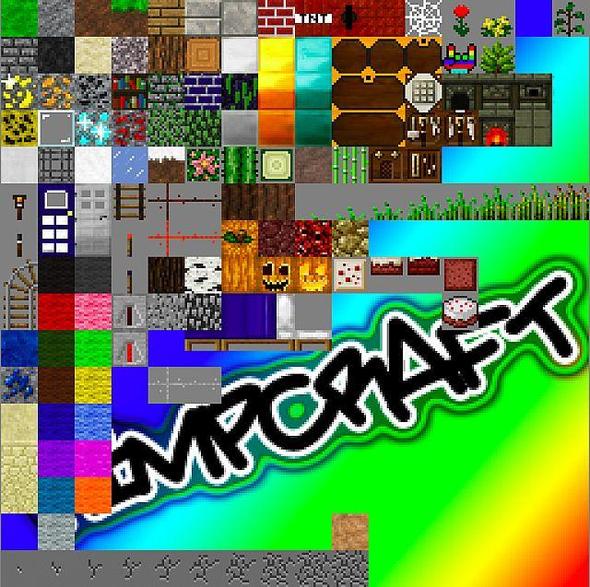
Pimp your minecraft with Pimpcraft!There is too many sad texturepacks out there, i m finally bringin' you something that makes u smile :) Actually I just uploaded my homemade texture pack for fun, and then Boom! Everyone started downloading it! :D So il be updating it alot! Thanks!If youre intrested you can check out my youtube channel for more gameplay with it!http://www.youtube.com/user/extremerz14It s basicly a pretty colorfull and contrastic mod, And all animals wearing sunglasses FTW!Changelog 31 Mars 2011Changed the chests, Now has gold corners, lookin super pimp! The front pacge now has dollars necklases, insted of that ugly P! Boat lookin much better now!Some inprovements on the items.pngAlso some inprovements on the TerrainPumpkin is now smiling when its on ur head too :)
To install a texture pack, the file must first be obtained in a ZIP format. Without decompressing the file, place the ZIP file in:
This path can be opened by using the Open Texture Pack Folder button from the game client. Once a texture pack is installed, it can be selected in the Mods and Texture Packs screen accessible from the main menu, but not while a world is currently open.