
Minecraftstuff.net is still under active development. Please report any bugs, ideas or suggestions using the contact form.
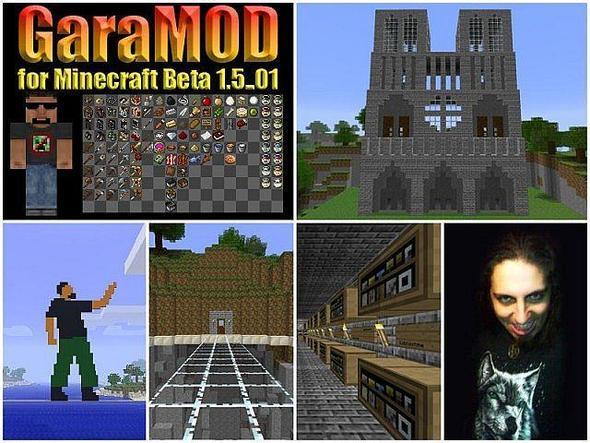
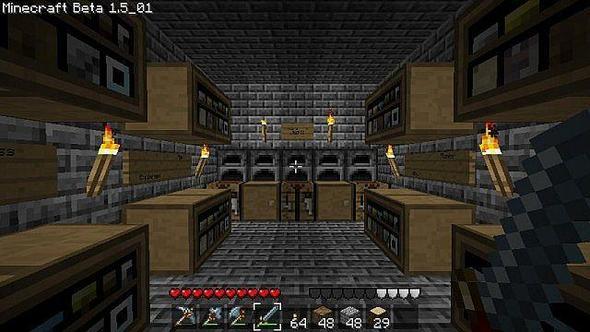
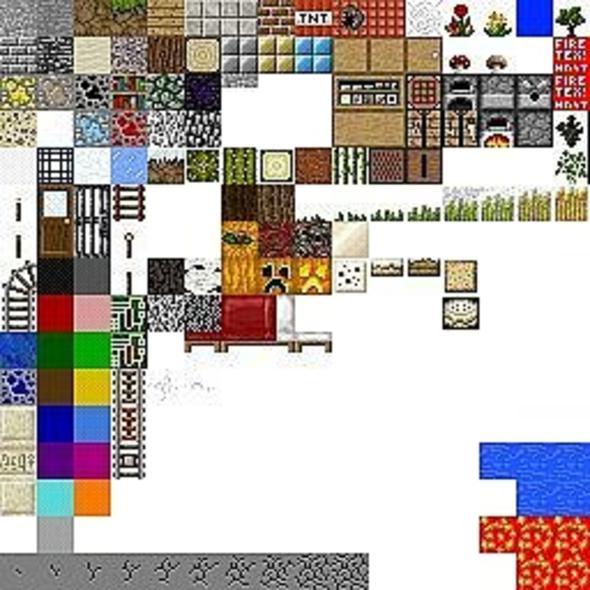
Just some alterations made by me to enhance the beauty of Minecraft. My name is Attila Gara. I still plan to make a bunch of new item icons and new custom armors instead of the ones from the PainterlyPack or the EldPack. Until I make everything from scratch I included some textures from those packs, consider it a best of pack until further notice. Stay tuned for more awesome stuff!Latest Update: New item icons! (Potions instead of Bowls and Paint Jars)
To install a texture pack, the file must first be obtained in a ZIP format. Without decompressing the file, place the ZIP file in:
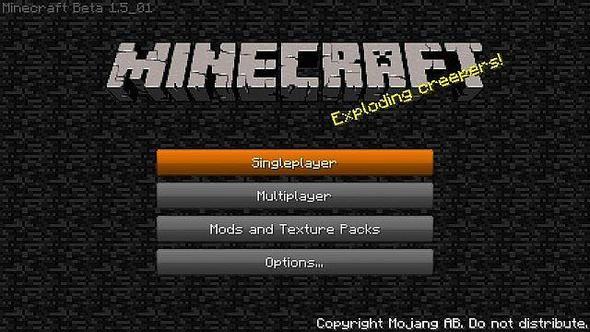
This path can be opened by using the Open Texture Pack Folder button from the game client. Once a texture pack is installed, it can be selected in the Mods and Texture Packs screen accessible from the main menu, but not while a world is currently open.