
Minecraftstuff.net is still under active development. Please report any bugs, ideas or suggestions using the contact form.
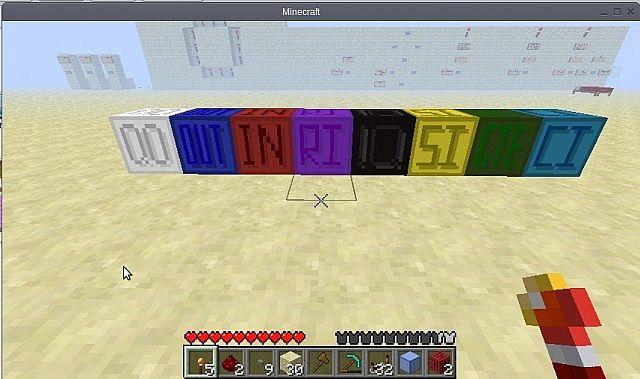
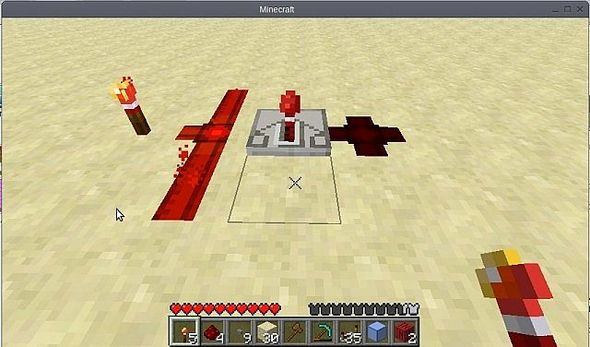
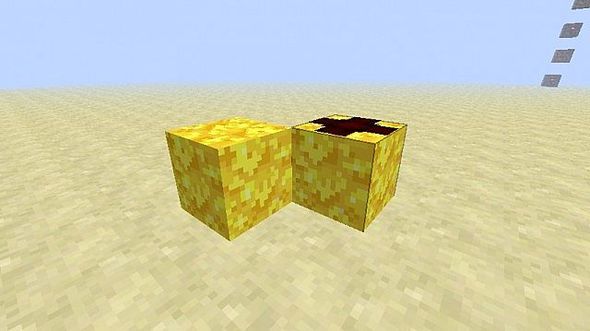
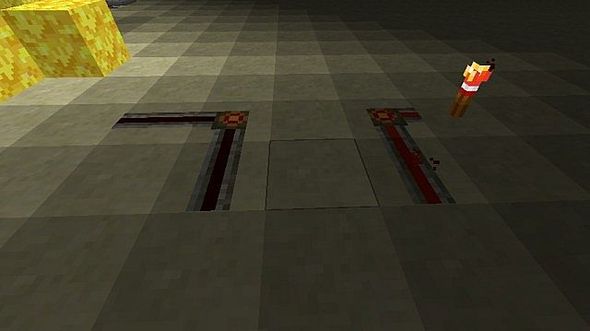
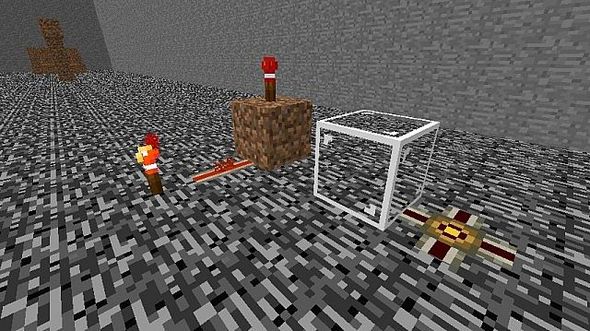
This is a texture pack I created for the RDF to aid new members with colour coding and directional repeaters with edited things.I have decided to release this as public to beginner redstone or even advanced redstone users.Check the screenshots to see what has changed.Updated: changed Sponge to be a white colour block, to be used for wiring between gates or whatever needed for.Enjoy!Anyone wondering what each block means, I have a readme file in the .zip which tells you which blocks mean what.
To install a texture pack, the file must first be obtained in a ZIP format. Without decompressing the file, place the ZIP file in:
This path can be opened by using the Open Texture Pack Folder button from the game client. Once a texture pack is installed, it can be selected in the Mods and Texture Packs screen accessible from the main menu, but not while a world is currently open.