
Minecraftstuff.net is still under active development. Please report any bugs, ideas or suggestions using the contact form.
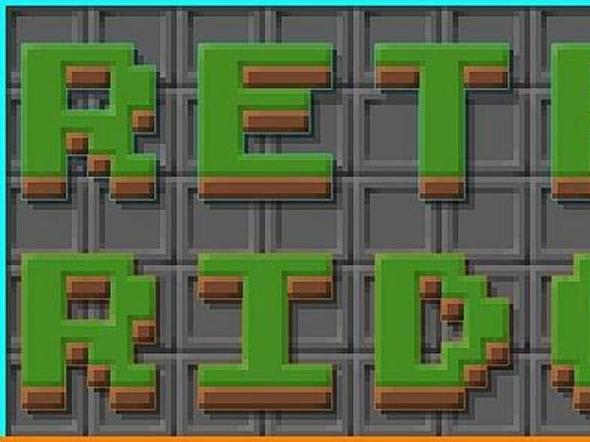

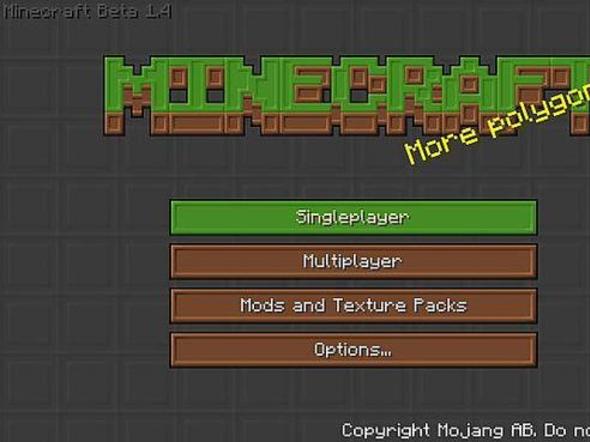
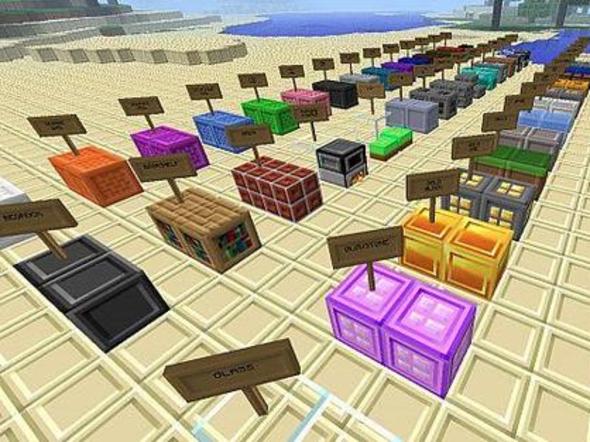
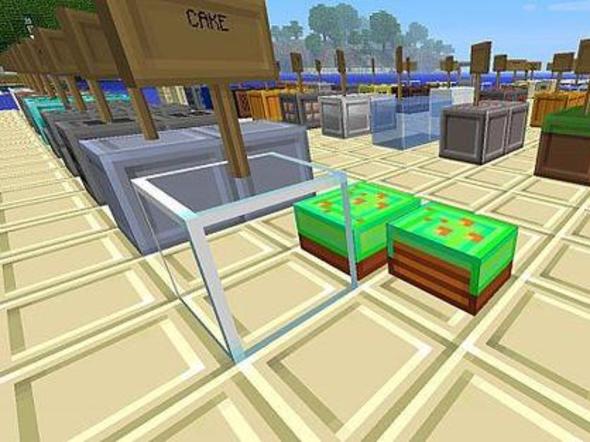
UPDATED for beta 1.6!June 4, 2011 Read the Update Log :)It's a game about blocks, right?Retro Ridge takes the approach of enhancing the blocky nature of Minecraft rather than covering it up. The pack is based on the basic design principle of ridged borders and the style is carried throughout the game. The retro twist comes from when glowstone was first added to the game in the Alpha Halloween update. Before I added a glowstone texture it was just purple, so, I thought, blacklights! I have also had several folks tell me the pack just has a nifty retro feel to it. This pack is near completion but, still in development. I plan to shift some of the hues to more retro styled colors in the future.Features:Easy to count blocks! Great for buildersLooks great in creative/freebuild worldsSpace Invader cloudsBlacklight glowstoneCompletion:Armor: 100%Art: 100%Environment: 100%GUI: 100%Items: 25%Mobs: 100%Particles: 100%Terrain: 100%To Do List:complete items tablepumpkin blurcustom water and lavaRidgecraft - a more default version of Retro Ridge coming soon!
To install a texture pack, the file must first be obtained in a ZIP format. Without decompressing the file, place the ZIP file in:
This path can be opened by using the Open Texture Pack Folder button from the game client. Once a texture pack is installed, it can be selected in the Mods and Texture Packs screen accessible from the main menu, but not while a world is currently open.