
Minecraftstuff.net is still under active development. Please report any bugs, ideas or suggestions using the contact form.
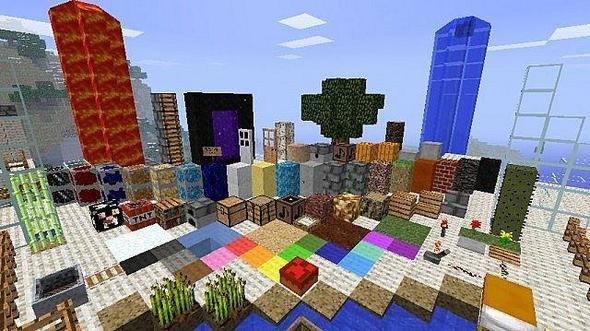

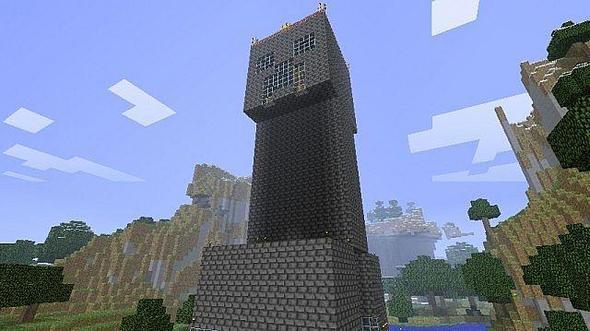
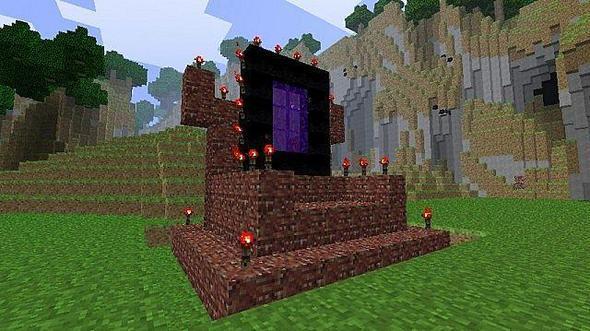
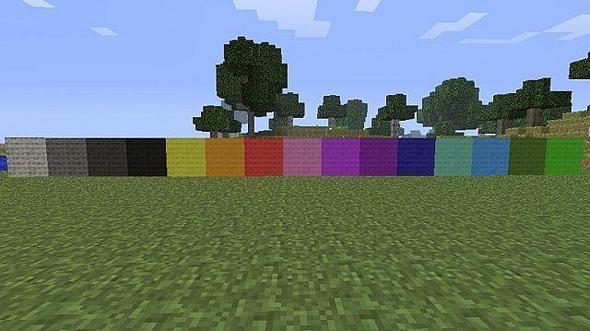
Smegcraft is a unique 16x16 pack (still in progress) that has a quasi-realistic tone in places, but also lashings of comedy, 'cause nobody likes to be serious all the time. Some textures are entirely original, while others are revisions of the defaults. Paintings I guarantee you won't have seen in Minecraft before Creeper, zombie and spider textures of my own making A few hidden easter eggs, for those with keen eyes and a sense of adventure Light stone and soil that give a subtler feel Cobblestone that's actually pleasant to look at, if you can believe that (some alternate options included) A readme, in case you suffer a head injury and forget how to install a simple 16x16 texture pack Orange menus, since orange is the greatest colour since...ever Gravel that's quite beautifully hideous, since nobody in their right mind uses it for anything pretty anyway Tools and weapons that look prettier as you upgrade from wood to precious diamond Armour that's a bit prettier than the standard And more besides! (see images) This is an ongoing project and also my first ever pack, so be gentle with your criticism, if you please. Any ideas are welcome, and any that get incorporated will be credited accordingly. 'Cause I'm nice.
To install a texture pack, the file must first be obtained in a ZIP format. Without decompressing the file, place the ZIP file in:
This path can be opened by using the Open Texture Pack Folder button from the game client. Once a texture pack is installed, it can be selected in the Mods and Texture Packs screen accessible from the main menu, but not while a world is currently open.