
Minecraftstuff.net is still under active development. Please report any bugs, ideas or suggestions using the contact form.
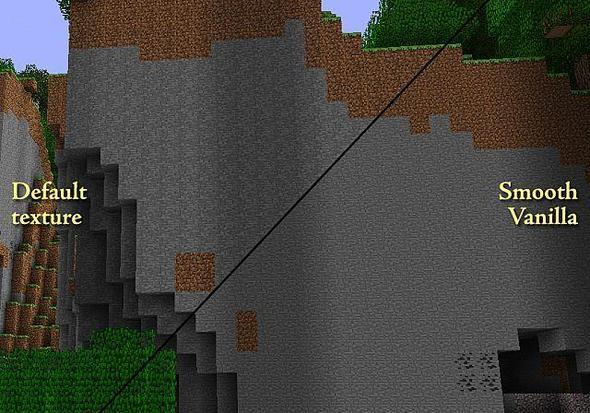
Smooth Vanilla is the default texture pack, with one subtle change: the low-frequency detail in many of the common textures has been reduced, and the dynamic range has been adjusted to compensate. This reduces the distracting tiling effect noticeable when viewing landscapes from a distance.
To install a texture pack, the file must first be obtained in a ZIP format. Without decompressing the file, place the ZIP file in:
This path can be opened by using the Open Texture Pack Folder button from the game client. Once a texture pack is installed, it can be selected in the Mods and Texture Packs screen accessible from the main menu, but not while a world is currently open.