
Minecraftstuff.net is still under active development. Please report any bugs, ideas or suggestions using the contact form.
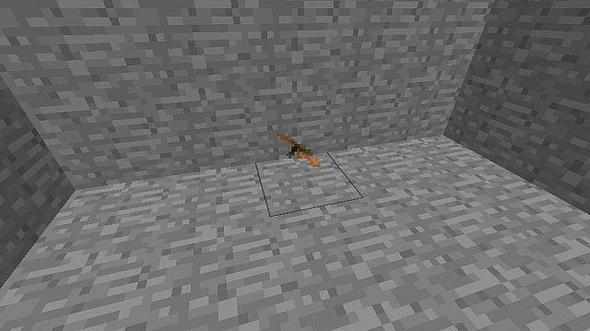
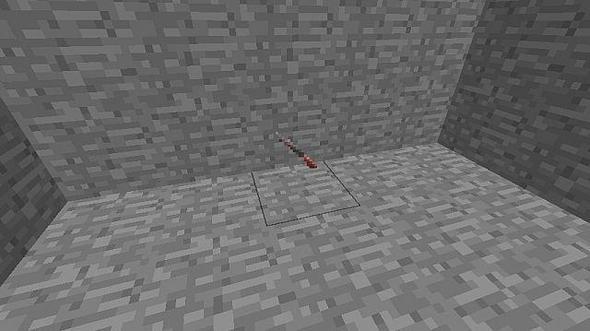
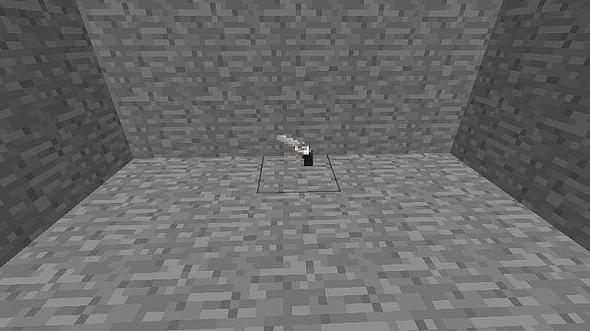
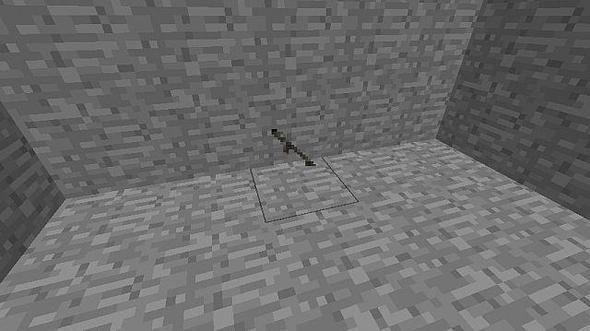
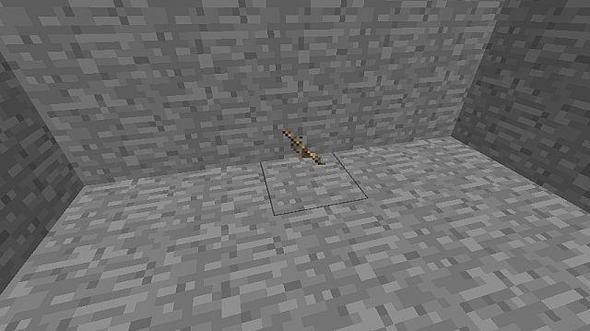
This texture pack replaces the bow and arrow items with the guns of your choice. All the guns also have their own matching ammo types. To make them just make your bows and arrows normally but the icons will be different. For Beta 1.4If you want a specific gun let me know and I will make it for you.The Guns:MP-40ThompsonM2 BrowningM2 FlamethrowerPanzerschreck (Rocket Launcher)Mosin NagantM1 GarandTrench Gun.357 MagnumInstallation:Download this texture pack and extract the zip file to a folderIn the folder you will see multiple zip files, choose which one you wantPress your windows start button and in the search bar type %appdata%The first folder will be called .minecraft, click on it and go to the folder titled texture packs and click on thatDrag the gun zip files into the texture pack folders and your doneHave Fun!!Plans:Uzi (I know it's not WWII)PPSH-41Please, give a thumbs up comment and let me know what you think, if you want me to make a gun i can give it a go.
To install a texture pack, the file must first be obtained in a ZIP format. Without decompressing the file, place the ZIP file in:
This path can be opened by using the Open Texture Pack Folder button from the game client. Once a texture pack is installed, it can be selected in the Mods and Texture Packs screen accessible from the main menu, but not while a world is currently open.