
Minecraftstuff.net is still under active development. Please report any bugs, ideas or suggestions using the contact form.
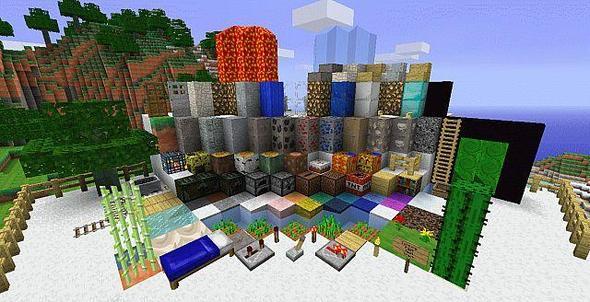
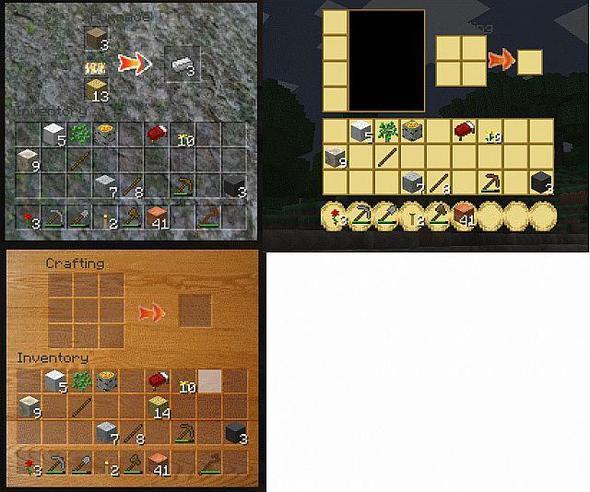

BETA 1.6.6 BETA 1.6.6 Since the game is not out yet, the progress will be very slow, especially since I copy and paste screenshots to start off from. However, once the game comes out, I willdefinitelybe able to work on it a lot more.Top priorities:-Keep on working on the stupid work bench-Find out how to make custom water/lava-Add in the booster tracks(Do you think there are more important things? Say so!)
To install a texture pack, the file must first be obtained in a ZIP format. Without decompressing the file, place the ZIP file in:
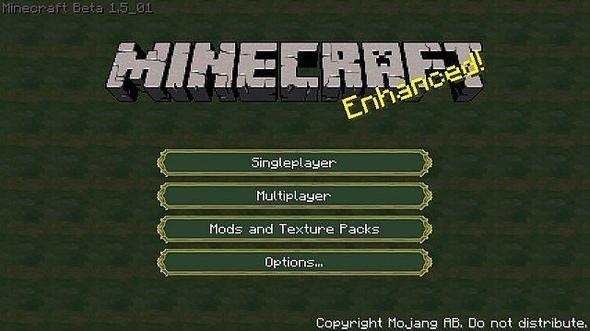
This path can be opened by using the Open Texture Pack Folder button from the game client. Once a texture pack is installed, it can be selected in the Mods and Texture Packs screen accessible from the main menu, but not while a world is currently open.